Store tools
Catalogue, stock, branches and team, organised in Partner Hub on web and mobile.
Dovi Partner · Zimbabwe
List your restaurant, grocery store or bakery on Dovi in Harare and Bulawayo. Applying is free.
Build a delivery menu that reflects what you do well, travels properly and fits the pace of your kitchen.
Storefront preview
Type your store's name to preview how customers will see it.
 Restaurant
Popular
Live preview · illustrative
Daily tools
Mark what's in, what's out and what's running low before the first customer opens the app.
Tap to try. Sold-out items hide from customers.
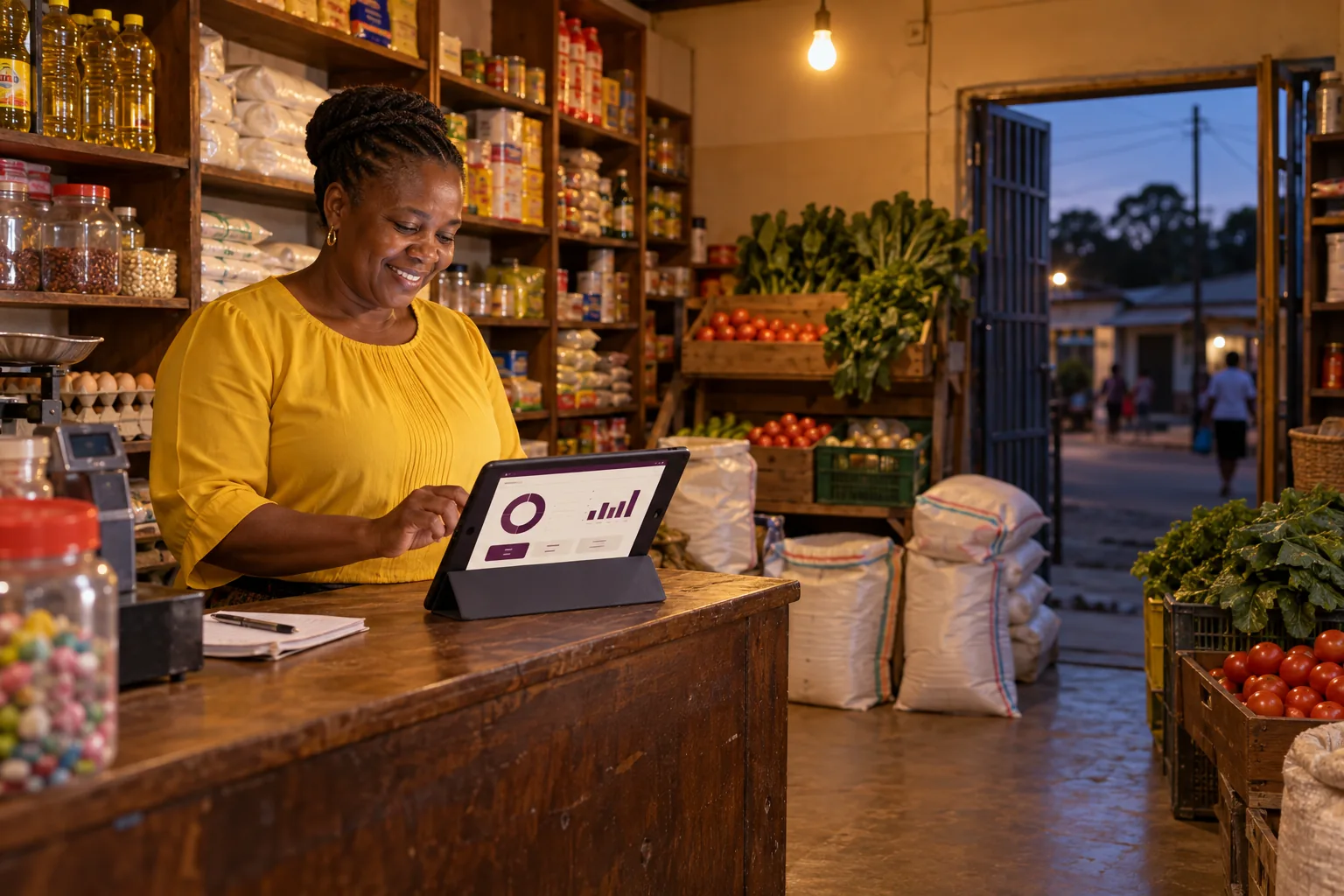
Partner Hub
Catalogue, stock, branches and team, organised in Partner Hub on web and mobile.
Understand the application, agreed fees and payout records before your store is activated.
Set realistic preparation times and opening hours for each branch.
Margin calculator
Move the sliders to see what one order leaves you after commission, promotions and your own costs.
Customer pays for your item
$8.00
A planning estimate, not an offer. Don't assume a rate from another platform or merchant: Dovi confirms your commission, charges and payout terms before activation.
How to apply
Create your account and tell us about the exact store. Only a National ID or passport is needed to apply.
Upload the right documents and follow requested changes in your portal.
Set up products, hours, stock and your team in Partner Hub.
Confirm commercial terms and delivery coverage with Dovi.
For a restaurant. Tick what you already have.
You only need the items marked “To apply” to submit. The rest comes later, and your portal tells you exactly what's needed.
Guides
Product names, prices, images and descriptions that help people decide.
GuideA repeatable packing routine your whole team can follow.
GuideA short daily routine that prevents missing items and cancellations.
GuideKeep going through load-shedding and patchy data.
FAQ
Harare and Bulawayo are the first planned launch cities. Dovi reviews the exact branch and confirms delivery coverage before activation. A city name alone is not a guarantee of coverage.
Applications and store preparation are open. Customer ordering, dispatch and payments are coming soon and require service activation. We confirm readiness with approved partners.
Submitting an application is free. Commission, any applicable charges and payout terms are confirmed before activation.
Yes. Save your draft in the secure application and sign in again to continue or respond to requested changes.
No. Dovi Cashier is optional. Partner Hub and Dovi Partner provide the Dovi store tools. Your in-store till remains separate unless a tested connection has been enabled.
Yes. Each branch has its own application, address and catalogue. Review prices, stock and hours for the correct branch.
Confirm the payout schedule, currency and account details in your commercial agreement before activation. Dovi invoices and payout statements are available through the partner tools; a statement alone does not confirm receipt of funds.
Keep a charged backup device or power source where possible. Contact Dovi about affected active orders. When reconnected, check order references before preparing anything twice. Dovi does not promise offline order acceptance.
Harare and Bulawayo